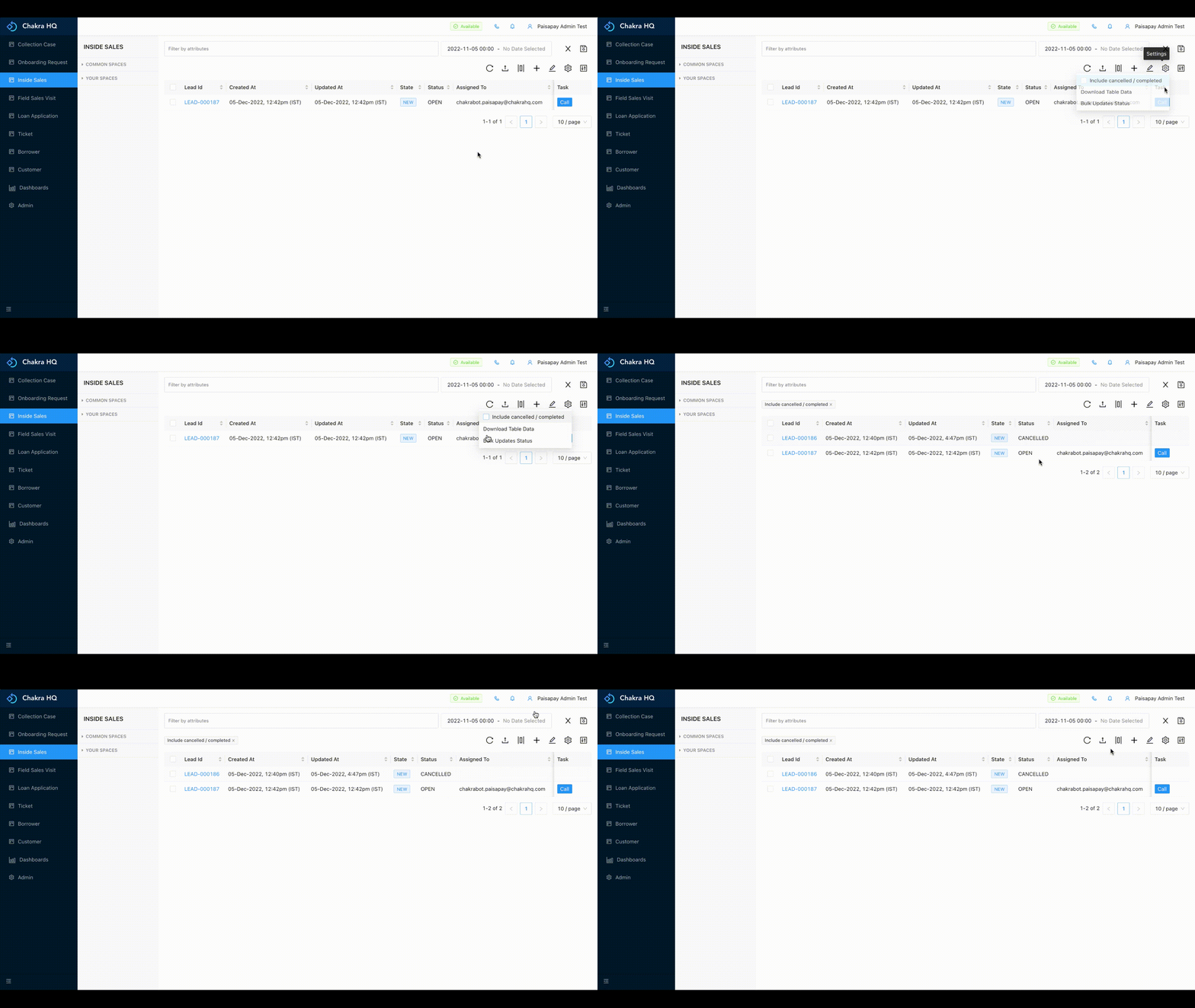
¶ View Cancelled/Completed Leads
We can view the canceled or completed status leads on Chakra by:
- Go to the process list
- Click on the Gear symbol (⚙) and check the option
Include cancelled / completed - This will unable us to view the cancelled / completed leads on chakra
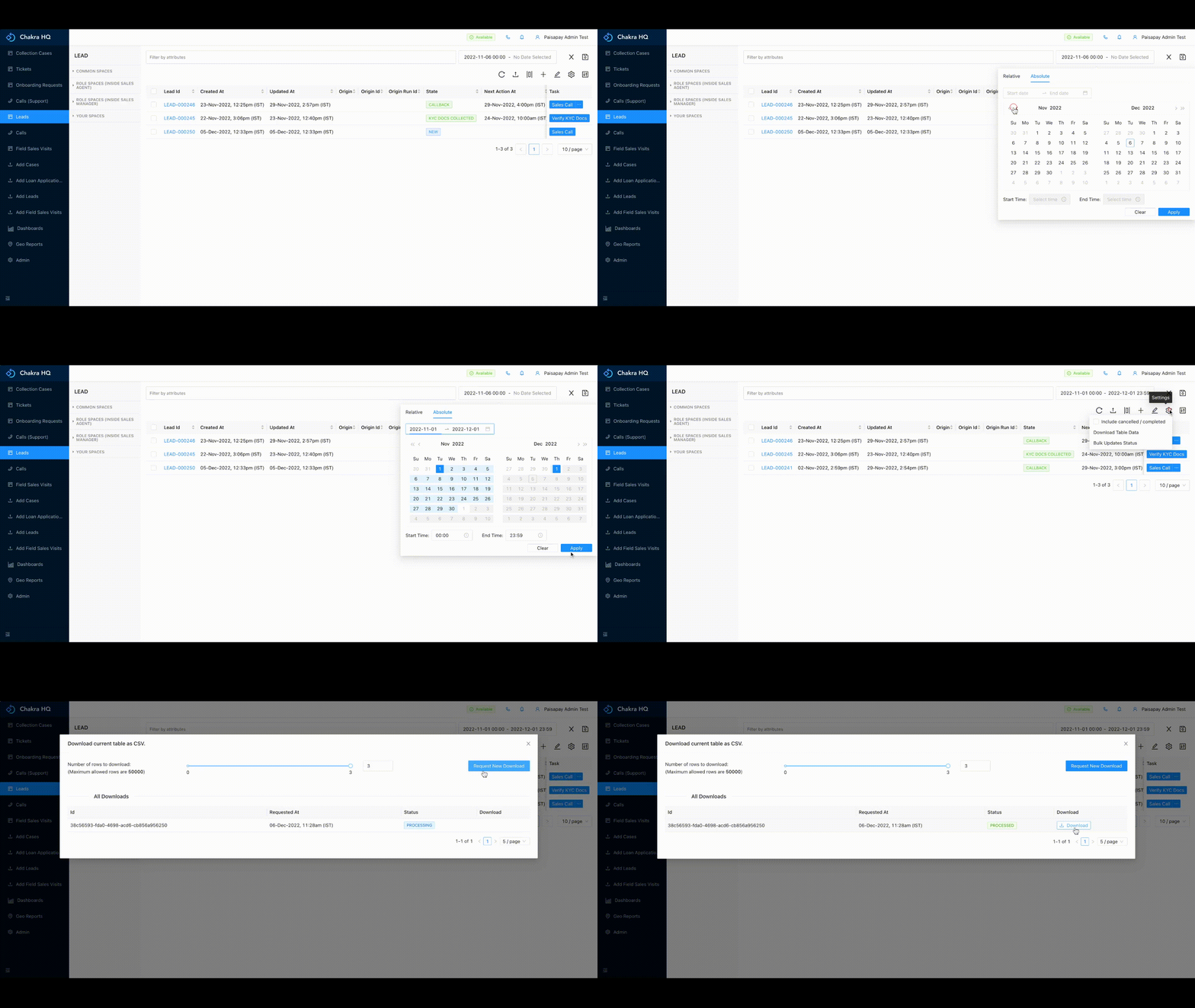
¶ Download Table
On Chakra we can download the lead table as per the given range by:
- Go to the process list and add the
createdAt time filteras required. - Click on the gear/setting icon (⚙) and click on
Download TablethenRequest New Download. - After the status has been
processedclick onDownload - The table will be downloaded in CSV format as per the columns added